You know the coordinates. Getting there is the hard part.
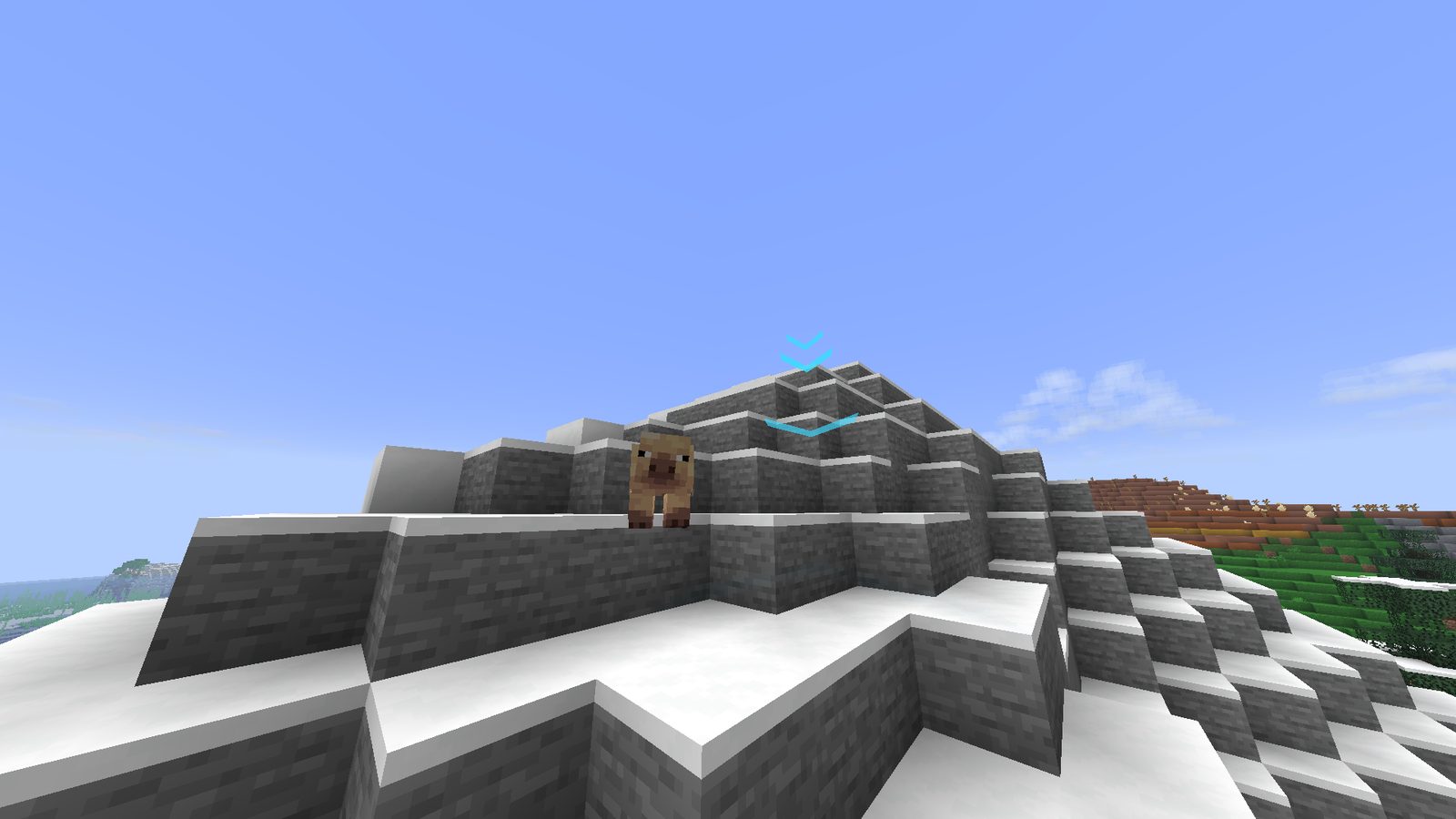
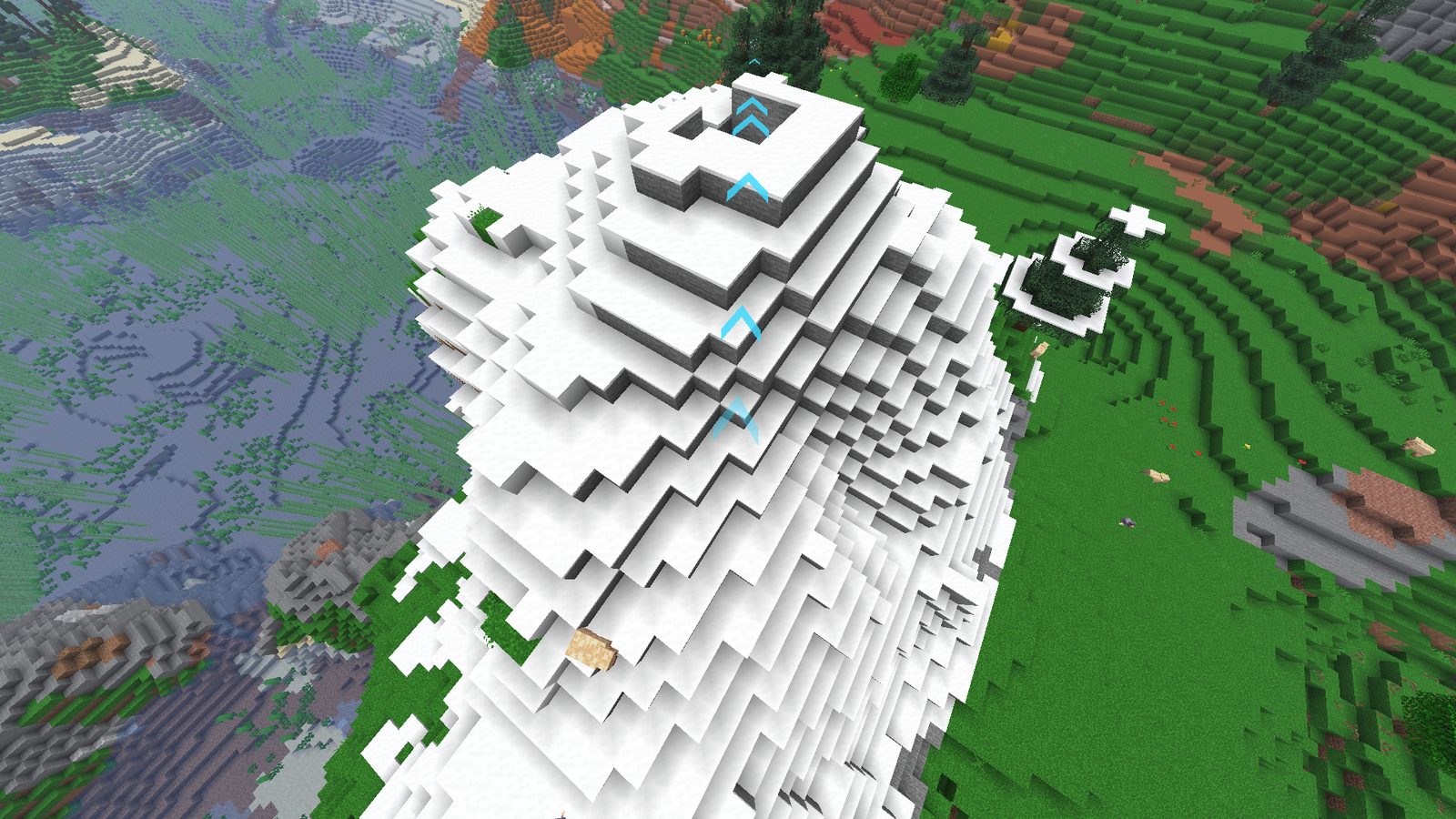
NaviCraft draws a trail of arrows from where you're standing to wherever you need to go; over hills, through caves, and through your nether portal if you're stuck in the nether.
Three commands and that's it
Give it a coordinate
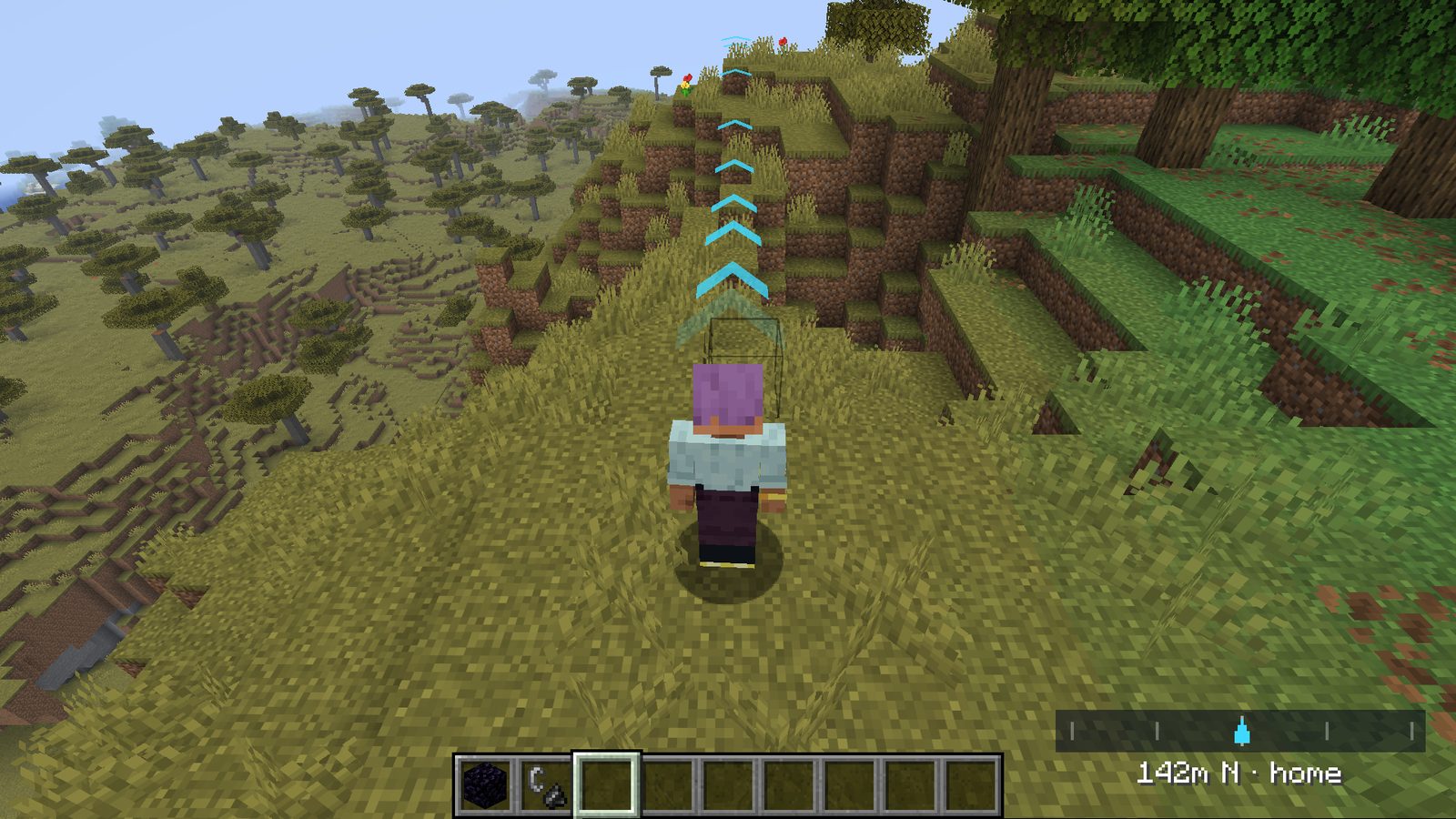
Arrows appear, pointing the way, with a HUD line showing your distance and bearing as you move. No compass or math required.
/gps navi 12 87 233
Name the places you'll love/frequent
Waypoints make sure that you can find your way back to base or to a farm without memorizing coordinates
/gps marker ~ ~ ~ home
Portals count as part of the route
Deep in the Nether, navigating to an Overworld base? Mark your portal once, and NaviCraft routes you there first — then keeps going the moment you step through.
/gps marker ~ ~ ~ nether_exit --portal
The full command list
Easy to remember commands and even easier to use!
/gps navi <x> <y> <z> [dimension]Navigate to a coordinate/gps marker <x> <y> <z> <name> [--portal]Save a waypoint (accepts ~ ~ ~)/gps goto <name>Navigate to a saved waypoint/gps listList saved waypoints/gps remove <name>Delete a waypoint/gps stopClear active navigationGetting it running
If you've installed a Fabric mod before, you already know this part.
Add the jars
fabric-api and navicraft.jar, both in your mods/ folder.
Set your first marker
Launch, then run /gps marker ~ ~ ~ home wherever you're standing.
Free. Open source. No account required.
Install it, mark a home, and stop opening the F3 screen every time you're not sure which way to walk.